Is it free or paid?
Both, and there's no catch either way. The Microsoft Store version is $7.99 — one-click install, automatic updates, a signed app, and it directly supports development. Vecto is also open source under the AGPL-3.0 license, so you can download the same app free from GitHub or build it yourself. No trial clock, watermark or crippled tier anywhere — you're paying for convenience and to support the work, not for features.
Is my artwork uploaded anywhere?
Never. Vecto is a desktop app — tracing runs entirely on your computer and works with the network cable unplugged.
How is this different from Inkscape's or potrace's tracing?
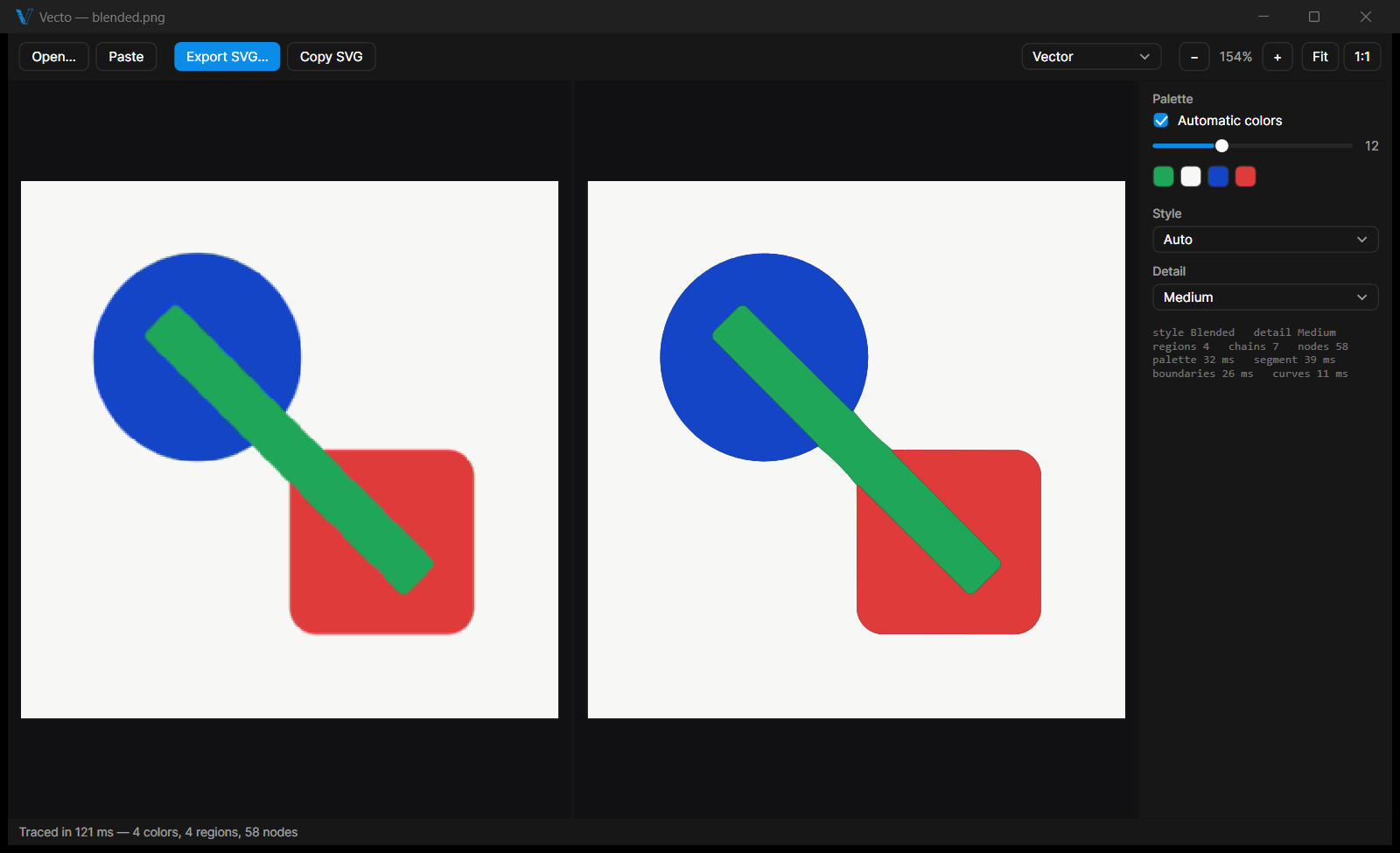
Potrace-style tracers vectorize each color as a separate stacked layer, which leaves hairline gaps and overlaps where colors meet. Vecto traces the image as one connected mosaic — every boundary is computed once and shared by both neighboring shapes, so gaps can't exist. It also recognizes straight lines and circles and emits them as exact geometry.
What works best — and what doesn't?
Vecto is built for flat-color graphics: logos, icons, badges, stickers, flags, flat illustrations and clean line drawings or scans. It is not the right tool for smooth gradients and soft shadows (they are traced as bands of color), small text (letters can lose their shape, so retype text in your vector editor), small or low-resolution images (fine detail is lost) or photos and painterly art (they come out posterized, not photo-real). One tip for everything: feed the largest, sharpest image you have — quality scales with input size.
Can I use it on Linux or macOS?
The full tracing engine ships as the vecto command-line tool for Linux and macOS — trace, batch and benchmark from any terminal. The graphical app is Windows-only today; a cross-platform version is on the roadmap.
What do I do with an SVG?
Open or paste it in Figma, Adobe Illustrator, Inkscape or Affinity and edit every shape. Send it to a laser cutter or cutting plotter. Put it on a website. Print it at any size — business card to billboard — with no loss of sharpness.